Published September 13, 2026
From Photo to AI Portrait: The Best Tools and Prompts to Turn a Real Photo Into Art
An oil painting, a watercolor sketch, or a cinematic realistic portrait — all possible from a single photo. Here are the best tools and ready prompts to turn your real photos into art.
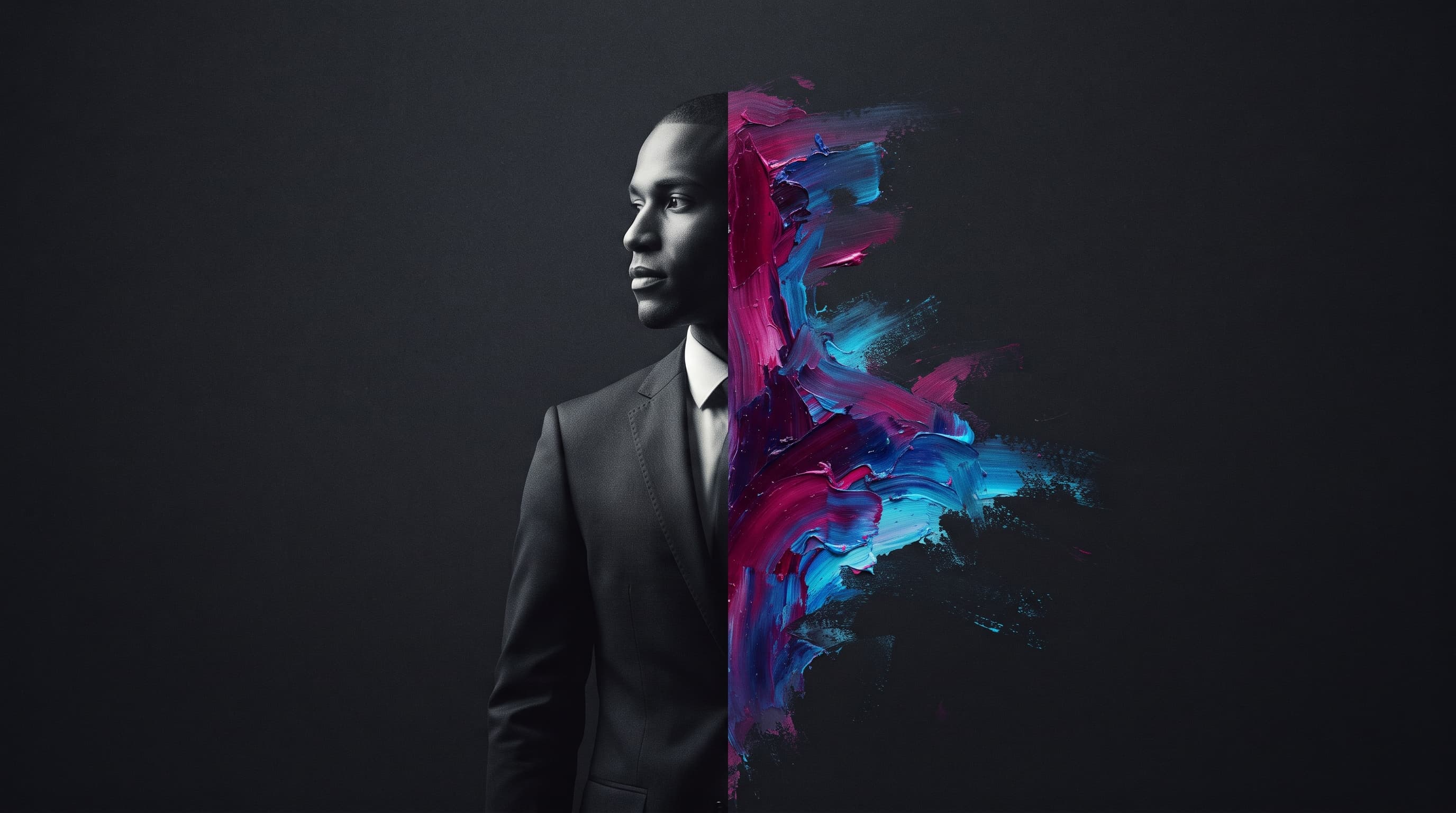
Turning a real personal photo into an artistic portrait used to require a professional painter and days of work. Today, a convincing result is possible in minutes with the right AI tool and the right prompt. The problem is that most first attempts look generic and impersonal because of weak prompts — this guide solves both problems: choosing the tool, and writing the prompt.
The Best Tools for Turning Photos Into Portraits
Google Nano Banana
Best for: keeping an accurate match to the original facial features while completely changing the art style. Strengths: high realism and strong facial identity retention even through drastic transformations. Weaknesses: less flexible with unusual or experimental art styles compared to Midjourney. Best for: people who want a result that "actually looks like them," not just a general resemblance.
ChatGPT (GPT Image)
Best for: ease of use in a single conversation with the ability to request follow-up edits ("make the lighting warmer," "change the background"). Strengths: simple interface, excellent understanding of precise instructions and mixed styles. Weaknesses: less specialized in deep classical art styles (like Impressionism or Baroque) compared to art-focused tools. Best for: beginners who want a good result without learning technical terminology.
Midjourney
Best for: artwork with a strong aesthetic character and distinctive visual mood (oil paintings, fantasy, dramatic cinematic lighting). Strengths: exceptional artistic quality and huge style variety via the --sref feature for a fixed reference style. Weaknesses: less precise facial matching compared to Nano Banana unless combined with --cref. Best for: people who want a stunning artistic piece more than a photographically precise likeness.
Ready Prompts by Art Style
In all the examples below, upload your photo first as a reference (in tools that support it), then use the text below to define the desired style without re-describing the face, since the image itself is the reference.
Turn this photo into a classical oil painting in the style of Renaissance portraiture, visible clear brushstrokes, dramatic side lighting (Rembrandt lighting), a neutral dark background, deep warm colors. Keep the facial features exactly as in the original photo.
Turn this photo into a soft watercolor painting, gradient and transparent edges, naturally bleeding color patches, a light simple background, a warm dreamy feel. Keep the facial features exactly as in the original photo.
Turn this photo into a realistic cinematic portrait with Hollywood-grade production quality, professional three-point studio lighting, shallow depth of field, high color contrast, a simple dark background. Keep the facial features exactly as in the original photo.
Practical Steps for the Best Result
Use a clear original photo with good lighting and a front-facing or near-front-facing angle • Avoid photos where hair or dark glasses cover a large part of the face • Try the same prompt across more than one tool and compare, since each model interprets an art style slightly differently • If you don't like the first result, adjust just one element at a time (lighting, background, or style intensity) instead of rewriting the prompt from scratch.
Frequently Asked Questions
Which tool is best for a portrait that actually looks like me?
Nano Banana is currently the strongest option for keeping an accurate match to the original face while completely changing the art style, followed by ChatGPT (GPT Image) as an easy-to-use option with close accuracy.
Can these images be used commercially (like prints or paid gifts)?
That depends on the tool's own terms of use, not just the fact that the underlying photo is yours. Check our dedicated guide on AI image copyright before selling any work produced with these tools.
Conclusion
Choosing the right tool depends on your priority: an accurate match to your face (Nano Banana), ease of use with follow-up edits (ChatGPT), or a stunning artistic character (Midjourney). Start with a clear photo, and use one of the ready prompts above as a starting point instead of a blank page.
Read also
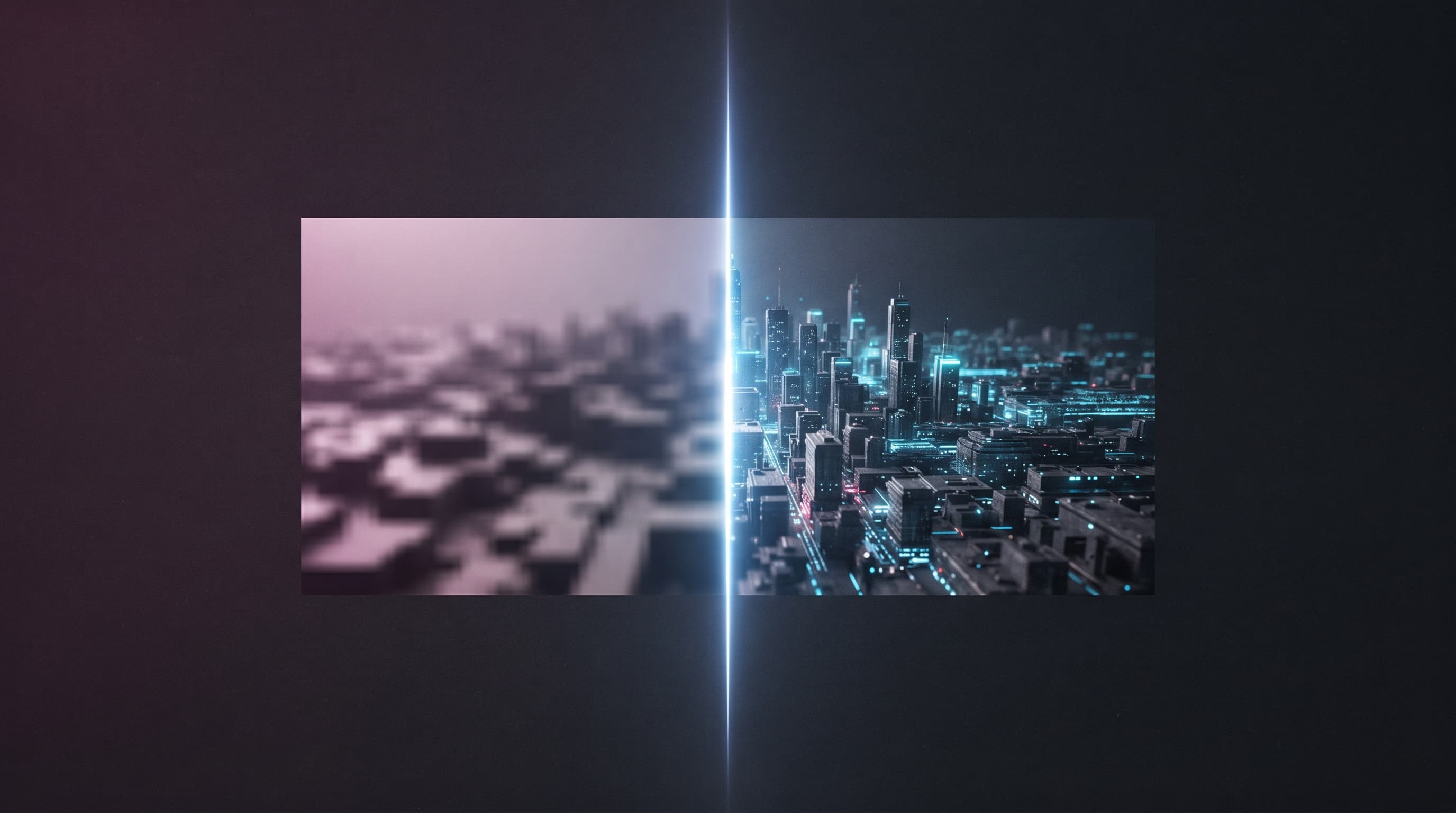
AI Image Upscaling: Comparing the Best Free and Paid Tools
An old low-resolution photo, or a small AI-generated image you need to print? Here's a practical comparison of the best AI image upscaling tools in 2026.
How to Fix Hands, Faces, and Text in AI-Generated Images
Six-fingered hands, warped faces, and text that looks like random symbols. These are the three most common AI image problems, and each one has a specific fix you can apply today.
Consistent AI Characters: How to Keep the Same Face Across Multiple Generations
You generate a great image of your character, then ask for a second one and get a completely different face. This is the most-searched pain point for AI image users, and the fix is simpler than you'd think.