Published September 13, 2026
How to Fix Hands, Faces, and Text in AI-Generated Images
Six-fingered hands, warped faces, and text that looks like random symbols. These are the three most common AI image problems, and each one has a specific fix you can apply today.
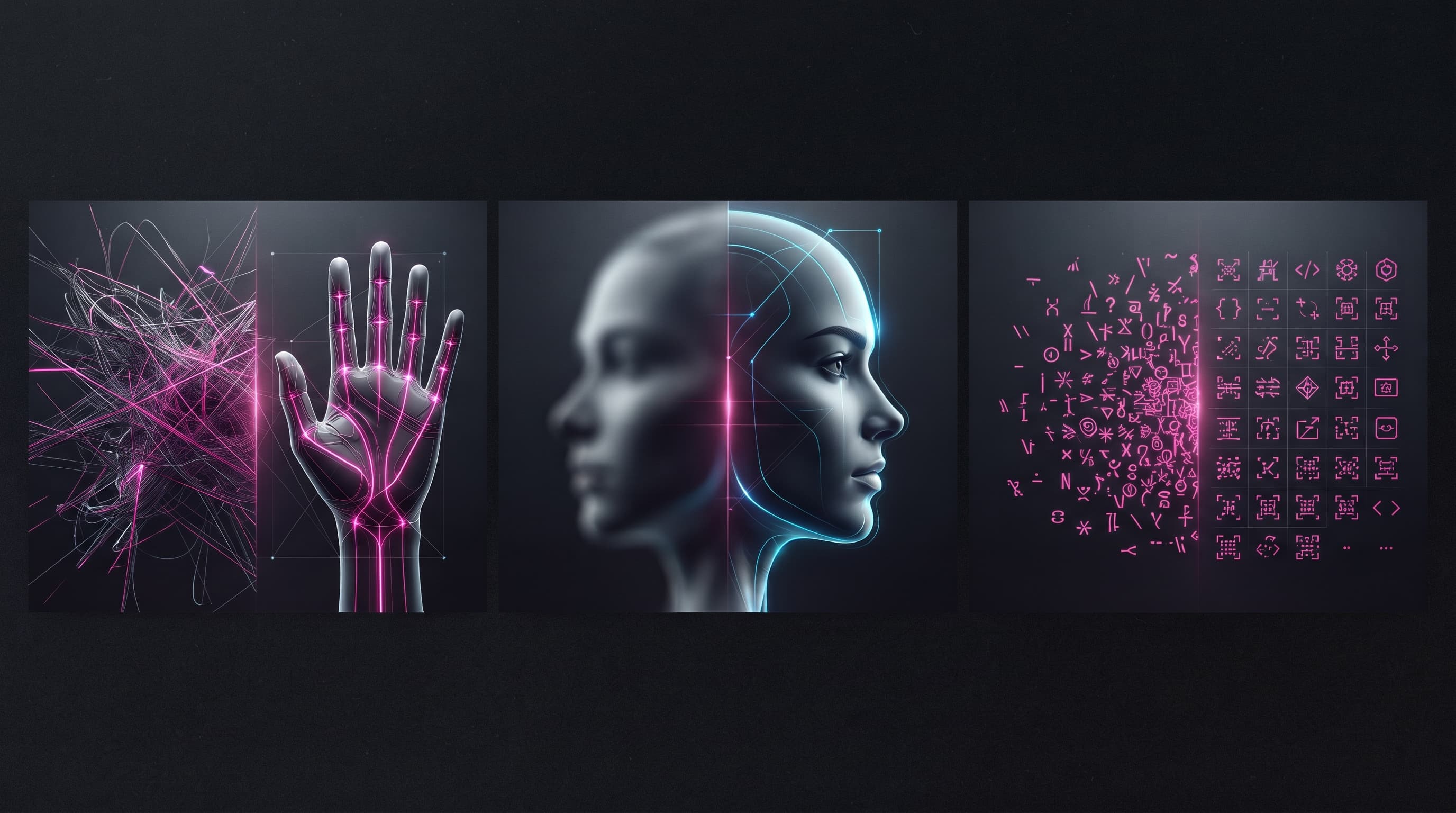
Three problems still chase AI images despite all the progress: extra or missing fingers, faces that warp in the background or at sharp angles, and text that looks like random scribbles. The good news is each of these three problems has a clear technical cause — and therefore a clear fix that doesn't rely on luck.
The Hands Problem: Why Does AI Get Fingers Wrong Specifically?
The hand is a complex, highly detailed structure that appears in training images from countless angles and poses, with parts often hidden behind other objects or bent at unusual angles. This makes it hard for the model to learn a fixed pattern for finger count and arrangement, especially in close-up realistic images.
The Practical Fix
The simplest fix is avoiding the problem before it happens: request shots that don't show the hands in full clarity (hands in pockets, behind the back, or holding something that covers the fingers). If you need visible hands, add precise phrasing like "natural hands with five fingers each" to the positive prompt, and use a negative prompt including "extra fingers, fused fingers, deformed hands" if your tool supports it. If an error appears after generation, use an inpainting tool (covered in detail in a separate article) to redraw just the hand area without affecting the rest of the image.
The Distorted Faces Problem
This problem mostly appears in small faces within a crowd scene, or in unusual camera angles (from below or at a very sharp angle), because the model was trained on more images of clear, centered faces than anything else.
The Practical Fix
Reduce the number of clearly visible faces in a single image, and prefer moderate camera angles (eye level) when precise faces matter. To fix a distorted face in an existing image, tools like GFPGAN and CodeFormer specialize specifically in face restoration and are often used as an automatic step inside upscaling tools, while inpainting remains the most precise option when you want full manual control over redrawing specific features only.
The Text-in-Images Problem
Most image models treat text as a visual shape rather than characters with meaning, which is why they produce something that looks like writing without being real, readable letters. This has improved noticeably in newer model generations like GPT Image, Ideogram, and Nano Banana, but it still shows up with long text or uncommon fonts.
The Practical Fix
If text is essential to the design (a logo, headline, or sign), use a tool specialized in text rendering like Ideogram or GPT Image instead of a general model like base Stable Diffusion, and ask for just one or two words rather than a full sentence whenever possible. The safest option for professional use is generating the image with no text at all (explicitly request "no text" in both the prompt and the negative prompt), then adding the text afterward in a design tool like Photoshop or Canva, where it's fully editable and precise.
A sign that says Grand Opening Sale with the offer details, date, and location
A completely empty store sign with no text or lettering at all, a professional advertising design with attractive colors and a frame ready for text to be added later in a design tool
Frequently Asked Questions
Will the hands problem disappear entirely in future models?
The problem has improved significantly in modern models compared to earlier generations, but it hasn't disappeared completely, especially in complex poses like interlocked hands or holding delicate tools. Relying on a quick inpainting fix remains a useful habit even with the best models.
What's the difference between GFPGAN and inpainting for fixing faces?
GFPGAN automatically restores the entire face based on a pre-learned pattern — fast, but less controllable. Inpainting lets you precisely select a specific area (say, just the left eye) and regenerate it based on a description you write yourself — slower, but far more controllable.
Conclusion
All three problems — hands, faces, text — share one principle: preventing the issue with smart prompt phrasing beats fixing it afterward, but when the problem does happen, inpainting is your most precise tool to fix it without regenerating the whole image. If you haven't tried this technique yet, check out our dedicated guide explaining inpainting and outpainting step by step.
Read also
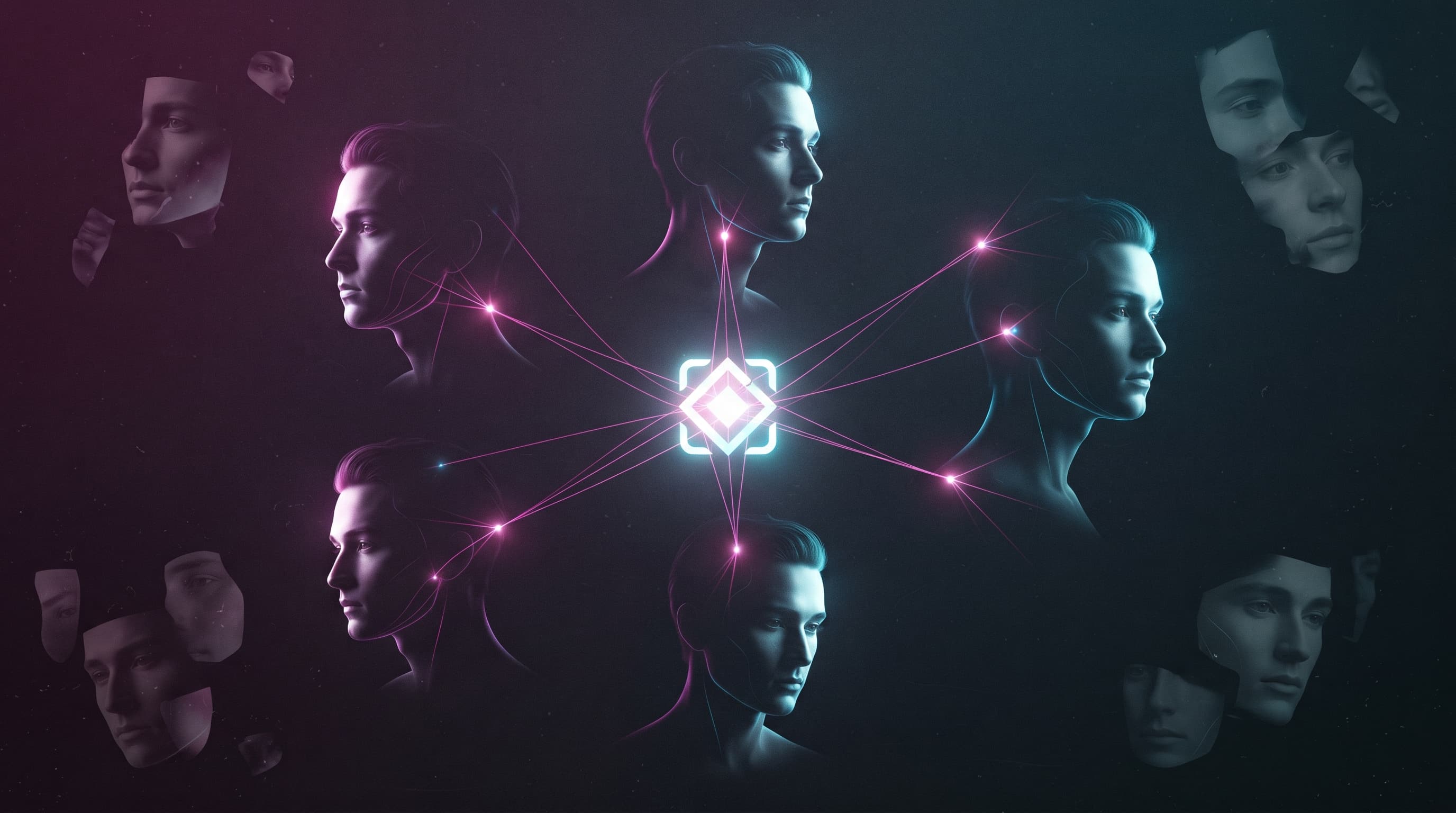
Consistent AI Characters: How to Keep the Same Face Across Multiple Generations
You generate a great image of your character, then ask for a second one and get a completely different face. This is the most-searched pain point for AI image users, and the fix is simpler than you'd think.
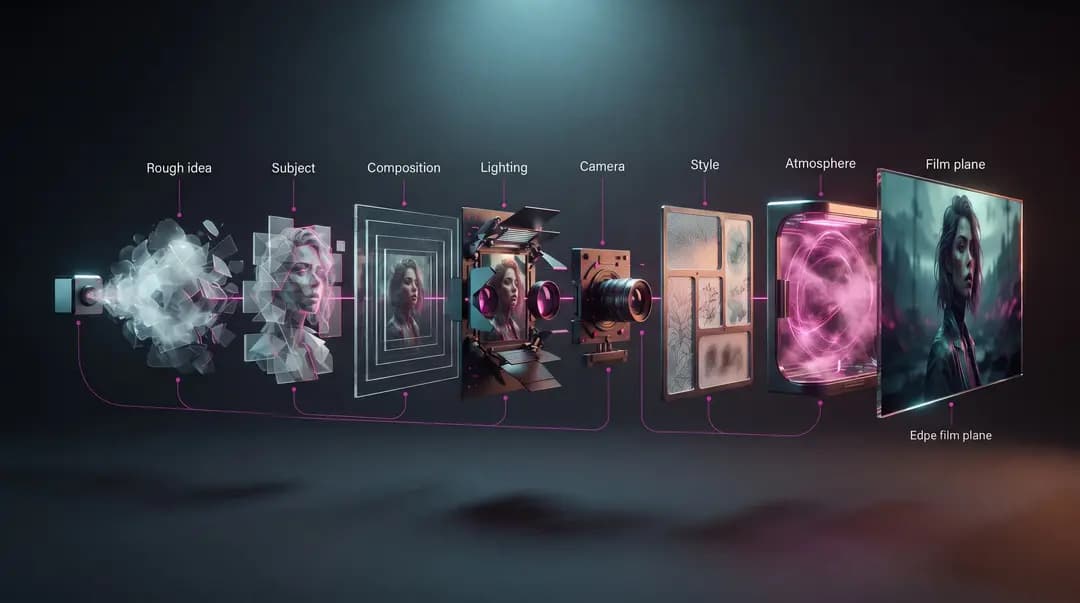
How to Write the Perfect AI Image Prompt: A Step-by-Step Guide
Learn how to turn an idea into a clear, actionable AI image prompt—from subject and composition to lighting and style—then use a practical workflow to evaluate and refine the result step by step.
30 Ready-to-Copy AI Image Prompts for Professional Results
A curated set of ready-made image prompts organized by use case: portraits, product shots, backgrounds, and art styles — copy them and just edit the bracketed parts.