
Published September 13, 2026
Consistent AI Characters: How to Keep the Same Face Across Multiple Generations
You generate a great image of your character, then ask for a second one and get a completely different face. This is the most-searched pain point for AI image users, and the fix is simpler than you'd think.
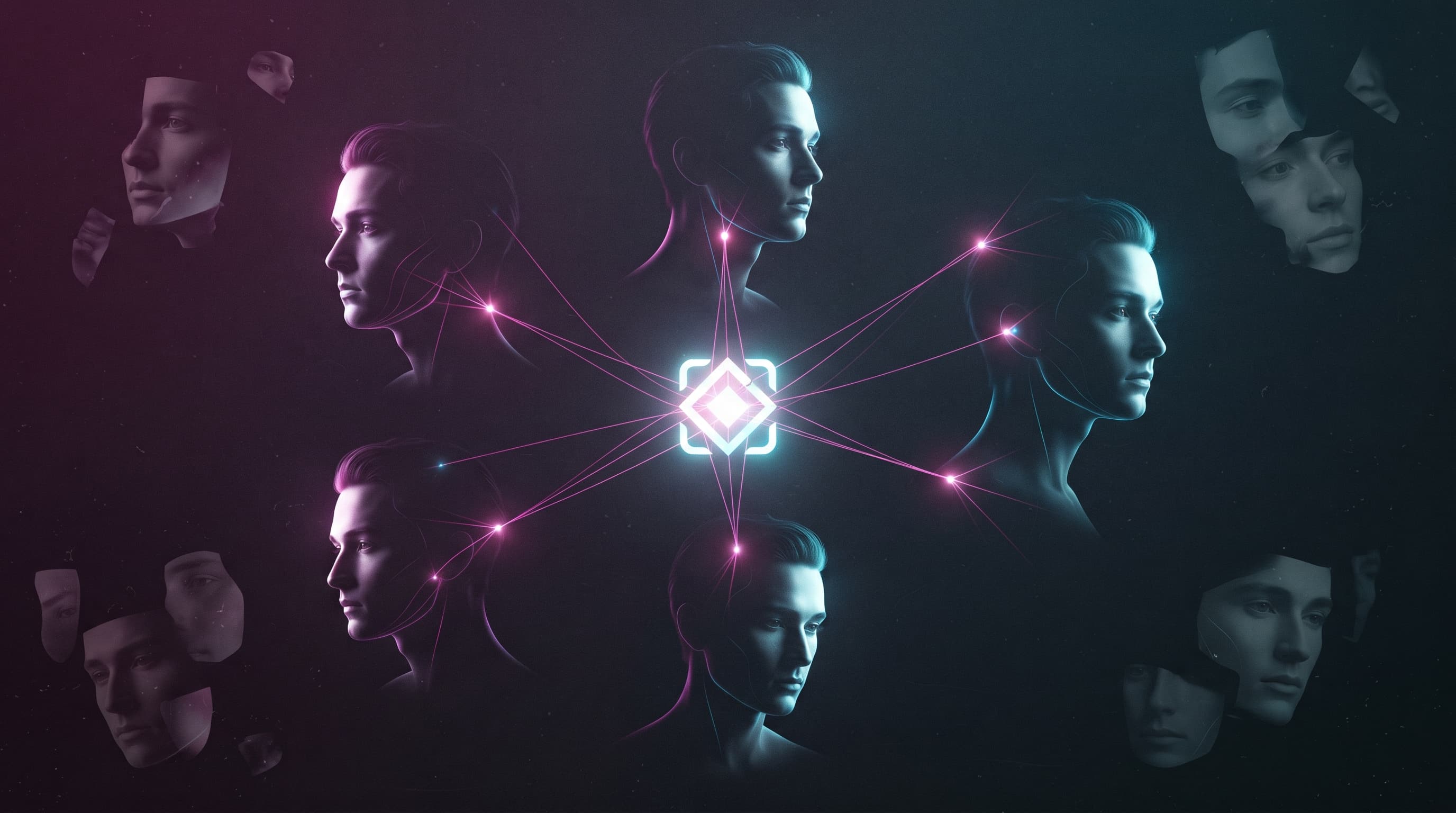
You create the perfect image of a character, then ask the same tool for another pose — and get a completely different face. This isn't random bad luck; it's how image models behave by default: every new generation is an independent random process unless you actively control it. This guide covers three practical methods to lock a character's face across as many images as you need.
Why Does AI Change Your Character's Face Every Time?
Image models like Midjourney, Stable Diffusion, and GPT Image don't retain memory between requests. When you write "a woman in her thirties with brown hair," you're describing a broad category of possible faces, and the model randomly samples from within that category each time. Text alone — no matter how detailed — can't lock a specific face, because language simply can't describe a face precisely enough to distinguish it from thousands of similar ones.
Method One: A Fixed Seed
Every image a model generates starts from a random number called a "seed." Using the same seed with the exact same prompt usually produces the same image, or something very close to it. The catch is that any small change to the text — a different pose, outfit, or background — can pull the image off track even with a fixed seed. So this method is a useful starting point, but not a complete solution for bigger scene changes.
Method Two: A Reference Image (Most Effective)
Instead of describing the face in words, you upload an actual image of the character and ask the tool to use it as an identity reference for every new image. This is what most modern tools rely on, though the exact way to activate it differs between them.
Midjourney
Midjourney offers a Character Reference feature: add the reference image link with --cref at the end of your prompt, and control how strictly it matches with --cw. A higher --cw value means the model sticks closer to the original face.
ChatGPT (GPT Image) and Gemini Nano Banana
In both tools, you simply upload the character's photo directly in the chat, then ask for a new image "of the same person" in a different pose or setting. Nano Banana in particular stands out for keeping facial identity intact even through drastic changes in lighting, angle, or art style.
Stable Diffusion: LoRA and IP-Adapter
For advanced users who need near-perfect matching, you can train a small LoRA model on 10 to 20 images of the same character, or use the IP-Adapter extension, which injects facial features directly into the generation process. Setup is heavier and requires technical know-how, but the result is currently the closest match available.
Method Three: A Fixed Character Sheet
If your tool doesn't support a reference image upload, the alternative is writing a very detailed, fixed description of the character — face shape, eye color, nose and eyebrow shape, hairstyle, and distinguishing marks like a mole or scar — then reusing that exact wording, unchanged, in every future prompt.
Fixed character: a 29-year-old woman, oval face, large brown eyes, naturally defined eyebrows, small straight nose, slightly full lips, a small mole below the left eye, long wavy dark brown hair to shoulder length. Keep these features completely consistent in every image regardless of pose, outfit, or background. Current scene: [describe the scene here].
FIXED IDENTITY
Face shape, eye color/shape, nose shape, distinguishing marks — never changes between images
ALLOWED VARIABLES
Pose, outfit, background, lighting — free to change in every image
VISUAL STYLE
Cinematic realism / digital painting / anime — should also stay fixed to avoid breaking the overall visual identity
CONSTRAINTS
Never change hair color, face shape, or distinguishing marks under any circumstance
Combining Methods for the Best Result
In practice, the best results don't come from relying on a single method, but from stacking them: start with a clear, front-facing, well-lit reference image, pair it with a fixed written description of the same features as an extra safety layer, and lock the seed when you need consecutive images of the exact same scene (like sequential shots in a comic story). This combination reduces character drift even when the pose or outfit changes drastically.
If you're working on a long project — an ad series or a comic with dozens of scenes — it's worth creating a separate "character file" where you save the base reference image, the fixed description text, and the seed used, if any, instead of relying on memory or rewriting the description each time. This saves significant time and prevents accumulating errors across dozens of images.
Common Mistakes That Break Character Consistency
Rewording the description differently each time instead of copying the fixed text verbatim • Uploading a low-quality reference image or one with an unclear angle on the face • Switching art style (say, from realistic to cartoon) without expecting it to affect facial features • Relying on a generic description like "a beautiful woman" instead of distinctive, repeatable details.
Frequently Asked Questions
Does a reference image guarantee a 100% face match?
No. Even the best tools produce a very high match rate, not a literally perfect one, especially with big changes in angle or lighting. For a near-perfect match, training a dedicated LoRA for the character is the more precise solution.
Which tool keeps facial identity best?
Nano Banana Pro and Midjourney (via --cref) are currently among the strongest out-of-the-box options for quick use, while a dedicated LoRA remains the most precise choice for long-term professional projects like illustrated series or recurring commercial characters.
Do these methods work for cartoon characters, not just realistic ones?
Yes, the same principle applies to any art style. What matters is keeping the description or reference image fixed, regardless of whether the character is realistic, anime, or 3D.
Conclusion
Character consistency isn't a magic tool feature — it's the result of your process: a clear reference image, a fixed description you never reword, or a dedicated LoRA for serious projects. If you're still writing generic prompts for every single image, revisit our complete guide on how to write a professional AI prompt before applying any of these three methods.
Read also
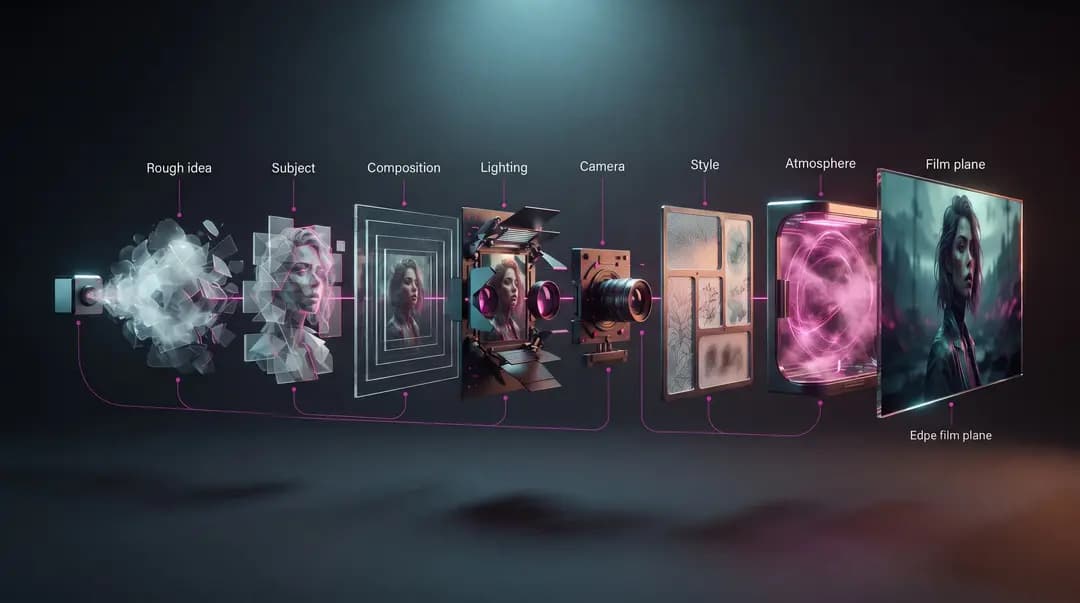
How to Write the Perfect AI Image Prompt: A Step-by-Step Guide
Learn how to turn an idea into a clear, actionable AI image prompt—from subject and composition to lighting and style—then use a practical workflow to evaluate and refine the result step by step.
30 Ready-to-Copy AI Image Prompts for Professional Results
A curated set of ready-made image prompts organized by use case: portraits, product shots, backgrounds, and art styles — copy them and just edit the bracketed parts.
Best AI Image Generation Tools in 2026: The Complete Comparison
From Nano Banana 2 to GPT Image 2 and Midjourney — a practical comparison of the strongest AI image generators in 2026, and who each one fits best.