

Published September 11, 2026
How to Write the Perfect Instruction Set for a Custom GPT
The difference between a Custom GPT that works reliably and one that behaves erratically usually isn't the idea — it's how its core instructions are written.

The Custom GPT feature in ChatGPT lets anyone build a customized version that operates under fixed instructions, without writing a single line of code. But many people build a Custom GPT and are then surprised it behaves inconsistently from one conversation to the next, usually because the instructions were written vaguely and generally instead of being specific and actionable.
The Structure That Makes Instructions Work
Effective instructions usually include four clear parts: who this assistant is and what its goal is, the required style and tone, what it must always do, and what it must always avoid. Writing these as separate parts instead of one long paragraph makes the model follow them with much higher precision.
The Most Common Mistake
The biggest mistake is writing overly generic instructions like "always be helpful and professional," phrases that give the model nothing practical to actually act on. Good instructions are specific: "never answer in more than three paragraphs," "always ask for the product name before writing any description," "always use a friendly, informal tone."
Vague instructions produce vague behavior; specific instructions produce predictable results.
Test Before You Publish
Before publishing any Custom GPT, try ten different messages that simulate the worst expected cases: a user who's vague in their question, a user trying to bypass the rules, and a user asking about something entirely outside the tool's scope. If it behaves consistently in these three cases, the instructions are genuinely ready.
Conclusion
Good Custom GPT instructions aren't about writing more text — they're about writing more specific text. Clarity always beats length.
Read also
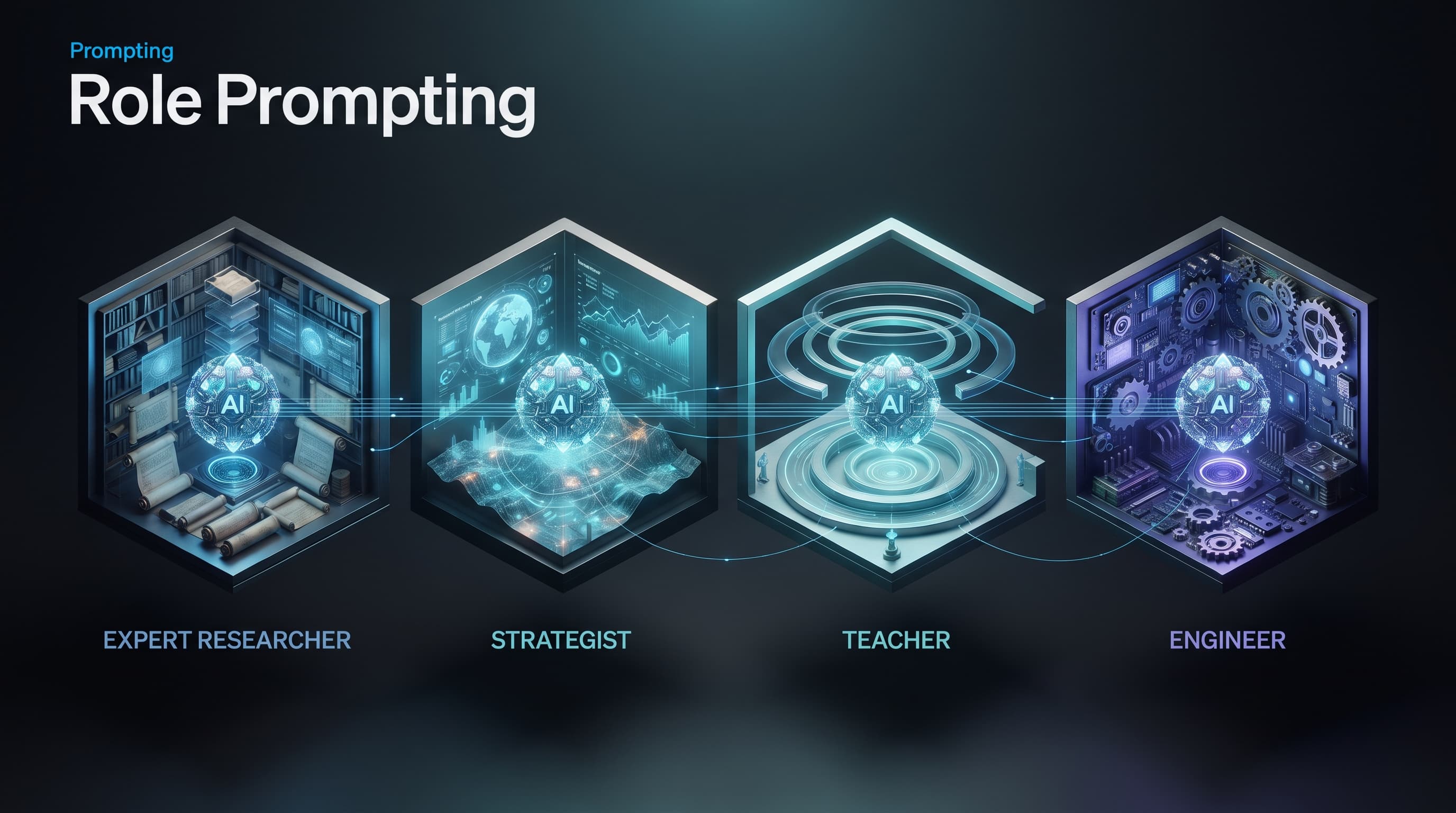
Role Prompting: Does Telling AI to "Act as an Expert" Actually Help?
"Act as a doctor," "act as an expert lawyer" — common phrases in nearly every prompting guide. But do they make a real difference, or are they just an inherited myth?

Meta-Prompting: How to Ask AI to Write Your Prompt for You
A simple, high-value technique most users overlook: instead of struggling to craft the perfect prompt, ask the model itself to draft it for you.

How to Build a Reusable Prompt Library for Your Team or Business
Every employee reinvents the same prompt from scratch every day. This guide shows how to turn the requests that actually work into a shared library everyone benefits from.