

Published September 15, 2026
Best AI Video Prompt Libraries 2026: A Guide to Omni, Veo, Runway, Kling, and Seedance
A practical 2026 guide to the best AI video prompt resources: official guides for Omni, Veo, Runway, Kling, and Seedance, plus prompt libraries and visual galleries that connect prompts with generated results.
If you use AI video generation tools, you have probably encountered this situation: you see an impressive video created with Veo, Gemini, Runway, Kling, or Seedance and immediately wonder: what prompt created this video? The problem is that finding a genuinely useful video prompt is not as easy as it looks. Thousands of prompts are published online, but their value varies considerably.
There is a major difference between an official guide published by the model developer, a library that shows a prompt alongside its generated video, a website that aggregates prompts from different sources, a prompt generator that builds a template from your idea, and a page that simply presents attractive keywords without clearly demonstrating the result.
For that reason, this guide is not about collecting the largest possible number of prompts. It focuses on the most useful resources for actually learning AI video prompting. We will divide them into two main categories: Official Prompt Guides, which explain how the models are intended to be used, and AI Video Prompt Libraries, which help you study what creators and users actually write.
What Are the Best AI Video Prompt Libraries?
If you want the short answer, there is no single source that is best for everyone. The right source depends on your goal: do you want to understand a specific model, study real results alongside prompts, find creative ideas, or build a structured prompt from scratch?
| Source | Type | Best For |
|---|---|---|
| Gemini / Omni Prompt Guide | Official | Understanding Gemini capabilities and prompting |
| Google Veo Prompting Guide | Official | Learning cinematic scene construction |
| Runway Prompting Guides | Official | Text-to-Video, Image-to-Video, and camera movement |
| Kling AI Resources | Official | Learning Kling workflows |
| Luma Learning Hub | Official | Dream Machine and workflows |
| Official Seedance Resources | Official | Understanding Seedance capabilities and versions |
| Awesome Video Prompts | Library | Exploring multiple models and use cases |
| ImagineToVideo Prompt Gallery | Gallery | Seeing results alongside prompts |
| Krea Prompt Galleries | Gallery | Visual learning from generated results |
| Image Prompt Gallery | Library | Exploring prompts and model examples |
| ReelCine | Specialized Library | Seedance and creator experiments |
| PromptInFlow | Library / Generator | Building prompt structures |
| PromptHero | Community / Library | General prompt discovery |
Important note: this is not an official ranking from first to thirteenth place. These resources serve different purposes, so you should choose a source based on the task you want to accomplish.
First: Official AI Video Prompting Guides
Before copying a prompt from an external library, it is better to understand how the model itself handles instructions. A prompt that works well with one model may not produce the same result with another. Text-to-Video also differs from Image-to-Video, while reference-based generation differs from video editing, and prompting behavior can change between model versions.
1. Google Gemini / Omni — Official Prompting Resources
If you use video capabilities associated with the Gemini ecosystem, start with the current official resources for the specific product or model you are using. The main advantage of official documentation is that it explains actual capabilities, supported reference types, and ways to direct a scene instead of relying on generic keyword lists.
These resources can help you understand concepts such as shot framing, camera movement, motion, style, lighting, location, and action, as well as iterative workflows where you modify one part of a scene instead of rewriting the entire prompt for every small change.
2. Google Veo — Official Prompting Guide
Google Cloud provides detailed guidance for Veo, and one of its strengths is treating a prompt as a way to direct a complete visual scene rather than simply as a collection of keywords. A useful way to think about a Veo prompt is through elements such as cinematography, subject, action, context, and style or ambiance.
The Veo guidance can help you understand camera direction, shot composition, subject, action, environment, style, lighting, ambiance, audio, dialogue, reference images, and first or last frames when those capabilities are available in the model or workflow you are using.
The most important point is not to treat any formula as a mandatory law. These elements are useful for organizing your idea and reducing ambiguity, not for forcing every prompt into one rigid structure.
3. Runway — Prompting Guides & Examples
Runway is one of the strongest official resources if you want to learn video prompting practically because it provides resources covering Text-to-Video, Image-to-Video, camera terminology, and different model workflows.
For Text-to-Video, focus on what appears in the scene, what the subject does, how the environment and camera move, and the desired visual style when necessary. For Image-to-Video, the reference image already contains much of the visual information, so the prompt can focus more heavily on motion, temporal changes, and camera movement.
One of the most useful practical lessons from Runway is that clarity matters more than blindly following a fixed formula. Start with a simple description, test the result, and then add only the details you actually need. This is often better than writing a huge prompt containing dozens of potentially conflicting instructions.
4. Kling AI — Official Resources
Kling is useful for users who want control over video generation, motion, and visual references. However, it is better to use official resources associated with the version you are using rather than copying anonymous prompt lists. Pay particular attention to guidance on Text-to-Video, Image-to-Video, camera movement, references, and start or end frames when supported.
5. Luma Dream Machine — Learning Hub
Luma provides an official learning hub for Dream Machine. Its content is not limited to prompt writing; it also covers workflows, tools, and different control methods. It is therefore particularly useful for Dream Machine users, although it is not necessarily the best place to search for a large general-purpose video prompt library.
6. Seedance — Start With Official Resources
Seedance is one of the rapidly evolving areas of AI video generation, so model version matters when reading any prompt guide or gallery. Finding a page titled Seedance Prompts is not enough; you should identify the model version used and determine whether the example actually applies to the version you are using.
In 2026 especially, avoid guides that describe an older Seedance release as if it represents current capabilities. Always verify the official source, publication or update date, and model version before building an entire workflow around the information.
Second: The Best AI Video Prompt Libraries and Galleries
Official guides explain how a model handles prompts. Libraries and galleries serve a different purpose: what did other creators write, and what result did they obtain? This distinction matters because a prompt that is never shown with its output may look impressive linguistically without proving that it actually works.
1. Awesome Video Prompts
If you want a multi-model library, Awesome Video Prompts can be useful for exploration and comparison. Resources of this type can expose you to prompts associated with different models and use cases, which is useful when studying how prompting approaches vary between models.
Its main strength is variety, but do not assume that every prompt in a large library represents best practice. Treat such libraries as sources of ideas and techniques, then test the prompt yourself in the model you actually use.
2. ImagineToVideo Prompt Gallery
This type of gallery is particularly useful when you want to see the result before studying the prompt. Instead of reading a textual description and guessing what the author intended, you can follow a practical workflow: watch the video, understand the result, read the prompt, analyze its components, and then rewrite it for your own idea.
3. Krea Prompt Galleries
Krea's galleries are particularly useful for visual learning. Instead of seeing camera movement as an isolated keyword, you can study how it interacts with the subject, motion, lighting, composition, style, and final result. This makes visual galleries especially useful for people who learn more effectively from examples than from theoretical rules.
4. Image Prompt Gallery
Although its name focuses on image prompts, model-specific galleries can also be useful for studying some video-related workflows and visual references. When using an example from an external platform, verify the model name, version, and source rather than assuming that every label on the website represents an official model name.
5. ReelCine — Seedance Prompt Libraries and Creator Experiments
Seedance-focused libraries can be particularly useful for reverse engineering. Their real value comes from connecting the prompt to the generated video and, when available, to the creator or original source.
Because Seedance evolves quickly, verify the model version associated with every example before using it for comparison. A prompt that worked well in one release does not necessarily produce the same result in a newer version.
6. VibeVideo and Specialized Prompt Libraries
Specialized libraries can be valuable for reverse engineering, especially when they connect an example with its video and prompt. However, do not use the number of prompts or examples as proof of library quality. A better assessment considers source transparency, the presence of the generated result, the connection between prompt and result, model and version information, and content freshness.
7. PromptInFlow
PromptInFlow is closer to a prompt library combined with prompt-structure or generation tools. It therefore serves a different purpose from a gallery whose primary goal is displaying videos. This type of resource is useful when you already know what kind of video you want to create and need a structure to organize the idea.
8. PromptHero
PromptHero is useful as a broad prompt discovery and research tool. Its main strength is exposing you to different ideas and styles rather than serving as official documentation for a particular model. If you find a useful prompt there, treat it as a starting point and then consult the documentation for the model you plan to use.
How Do You Choose a Reliable Video Prompt Library?
Having thousands of prompts does not automatically make a library good. Before relying on any prompt library, use a simple set of criteria to distinguish genuinely useful resources from pages that merely collect random keywords.
- Is the generated video shown alongside the prompt?
- Is the model identified?
- Is the model version identified?
- Is the prompt source clear?
- Can you actually compare the prompt with the result?
- Is the content current?
- Does the website distinguish official documentation from user-generated content?
- Can you determine whether the video was edited or modified after generation?
How to Learn From a Video Prompt Instead of Just Copying It
The best way to use a prompt library is not Copy → Paste → Generate. If you want to actually improve your skill, treat each prompt as a case study. Watch the result first, then identify which elements the prompt appears to control.
- Identify the main subject.
- Identify the action.
- Observe the camera movement.
- Identify the shot type.
- Analyze the environment.
- Observe the lighting.
- Identify the visual style.
- Notice motion speed and pacing.
- Separate essential instructions from decorative language.
- Rewrite the prompt for a different idea while preserving its structure.
Reverse Engineering AI Video Prompts
When you find a video you like, do not simply try to copy its prompt word for word. Ask what information the model actually needs to reproduce the important characteristics of the result. Some words may be purely aesthetic, while others may control camera movement, action, or shot composition.
Analyze the prompt using this structure: 1) Subject, 2) Action, 3) Environment, 4) Camera, 5) Lighting, 6) Style, 7) Motion, 8) Constraints. Then rewrite each component in your own words instead of copying the original sentence.
A Prompt Library Is Not a Substitute for Understanding the Model
This is one of the most important rules in this guide. You may find an excellent prompt in an external library, but if it was written for a different model or version, the result may fail when you use it unchanged. Use libraries to discover ideas, and use official documentation to understand what your actual model can do.
What Is the Difference Between a Prompt Guide, Prompt Library, and Prompt Generator?
| Type | Purpose | When to Use It |
|---|---|---|
| Official Prompt Guide | Explains how the model handles instructions | When learning a specific model |
| Prompt Library | Provides ready examples and ideas | When looking for inspiration |
| Prompt Gallery | Connects prompts with visual results | When learning visually |
| Prompt Generator | Builds prompts from your input | When you need a starting point |
| Community | Shows real user experiments | When studying practical use cases |
The Best Workflow for Using Video Prompt Libraries
- Start with the official guide for the model you use.
- Identify the generation type: Text-to-Video, Image-to-Video, or reference-based generation.
- Search for examples similar to your idea in a library or gallery.
- Watch the result before reading the prompt when possible.
- Break the prompt into Subject, Action, Camera, Environment, Lighting, and Style.
- Remove words that do not contribute to your concept.
- Rewrite the prompt for your intended scene.
- Test a simple version first.
- Add details gradually based on the output.
- Save successful prompts together with the model and version used.
Frequently Asked Questions
Is There One Prompt That Works With Every Video Model?
No. You can transfer the general idea between models, but instruction interpretation and control capabilities differ between models. It is therefore better to preserve the scene concept while adapting the prompt to the documentation and behavior of the model you are using.
Does a Video Prompt Need to Be Very Long?
Not necessarily. Length is not a measure of quality. A clear and specific prompt can be better than a long prompt containing unnecessary or conflicting instructions. Start with the essential information and add only the details you actually need.
Is a Prompt Gallery Better Than a Prompt Guide?
No. They serve different purposes. An official guide is better for understanding model capabilities, while a gallery is better for studying real examples and outputs. The strongest workflow combines both.
How Can I Tell Whether a Prompt in a Library Is Reliable?
Look for a clear connection between the prompt and the output, and verify the model, version, source, and date. The more information available to help you reproduce or understand the result, the more valuable the example is as a learning reference.
Can I Use a Prompt From One Model in Another?
Yes, as a way to transfer the idea, but not as a guarantee of the same result. Transfer conceptual elements such as subject, motion, composition, and style, then adapt the wording to the capabilities of the new model.
Conclusion: What Is the Best Way to Learn AI Video Prompting in 2026?
If you want to learn video prompting seriously, do not look for one website containing thousands of prompts and treat it as the ultimate authority. Use official guides to understand the model, prompt galleries to study results, libraries to discover ideas, and your own testing to validate the prompts.
The most important rule is this: do not judge a prompt by its word count or how impressive its wording sounds. Judge it by its ability to guide the model toward a result that is predictable, reproducible, and adjustable.
Therefore, the strongest workflow in 2026 is: Official Guide → Prompt Gallery → Analysis → Adaptation → Testing → Iteration. This turns prompt libraries from simple copy-and-paste repositories into genuine learning tools for AI video creation.
Read also
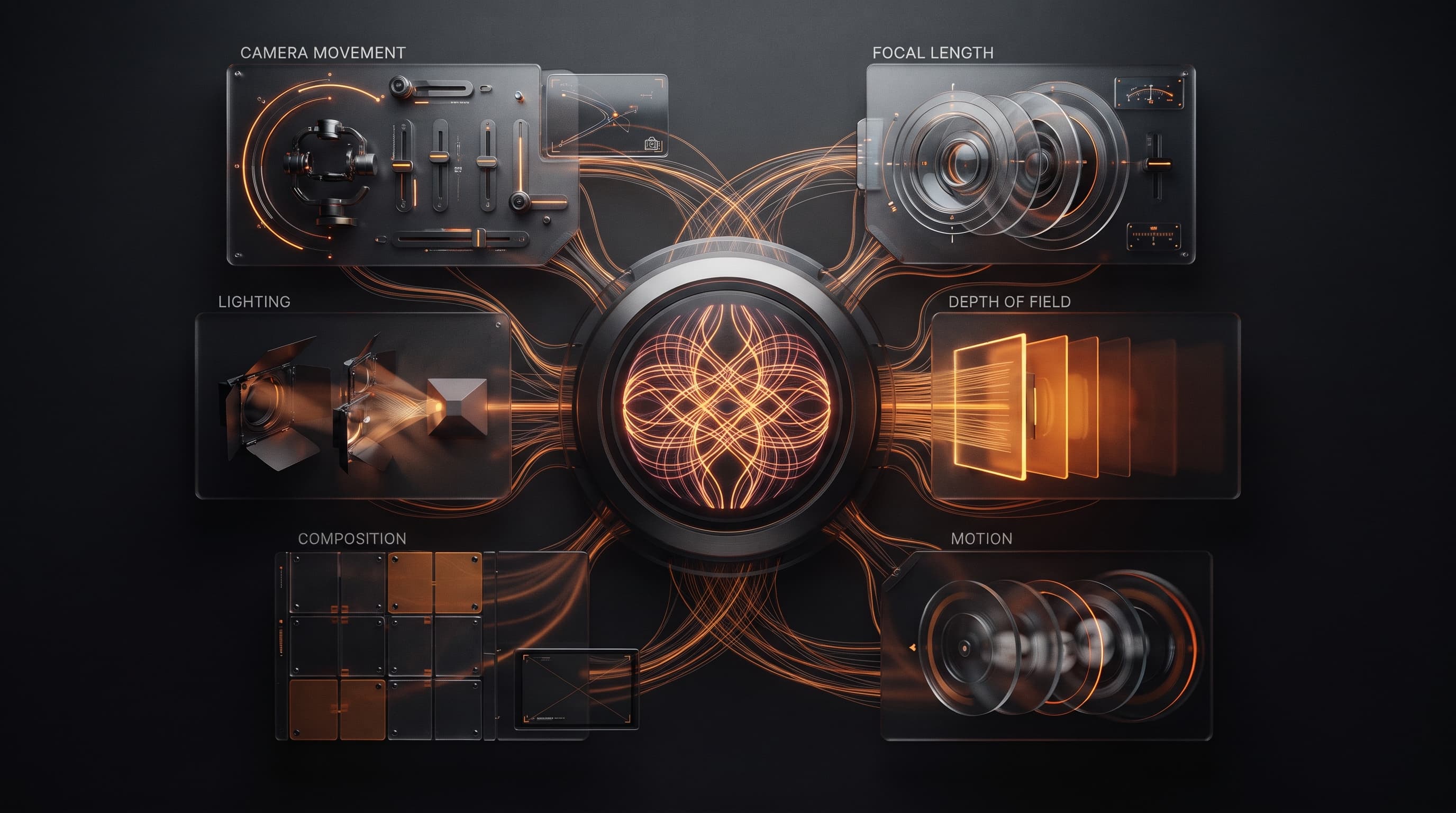
A Beginner's Guide to Cinematic AI Video Prompt Terminology
"Anamorphic lens", "dolly shot", "24fps" — simple film terms that make your video prompt look professional instead of amateur.
25 Ready-to-Copy Cinematic AI Video Prompts
Ready-made video prompts that work across Veo, Kling, and Runway, organized by type: establishing shots, product shots, human motion, and transitions — just copy and edit.
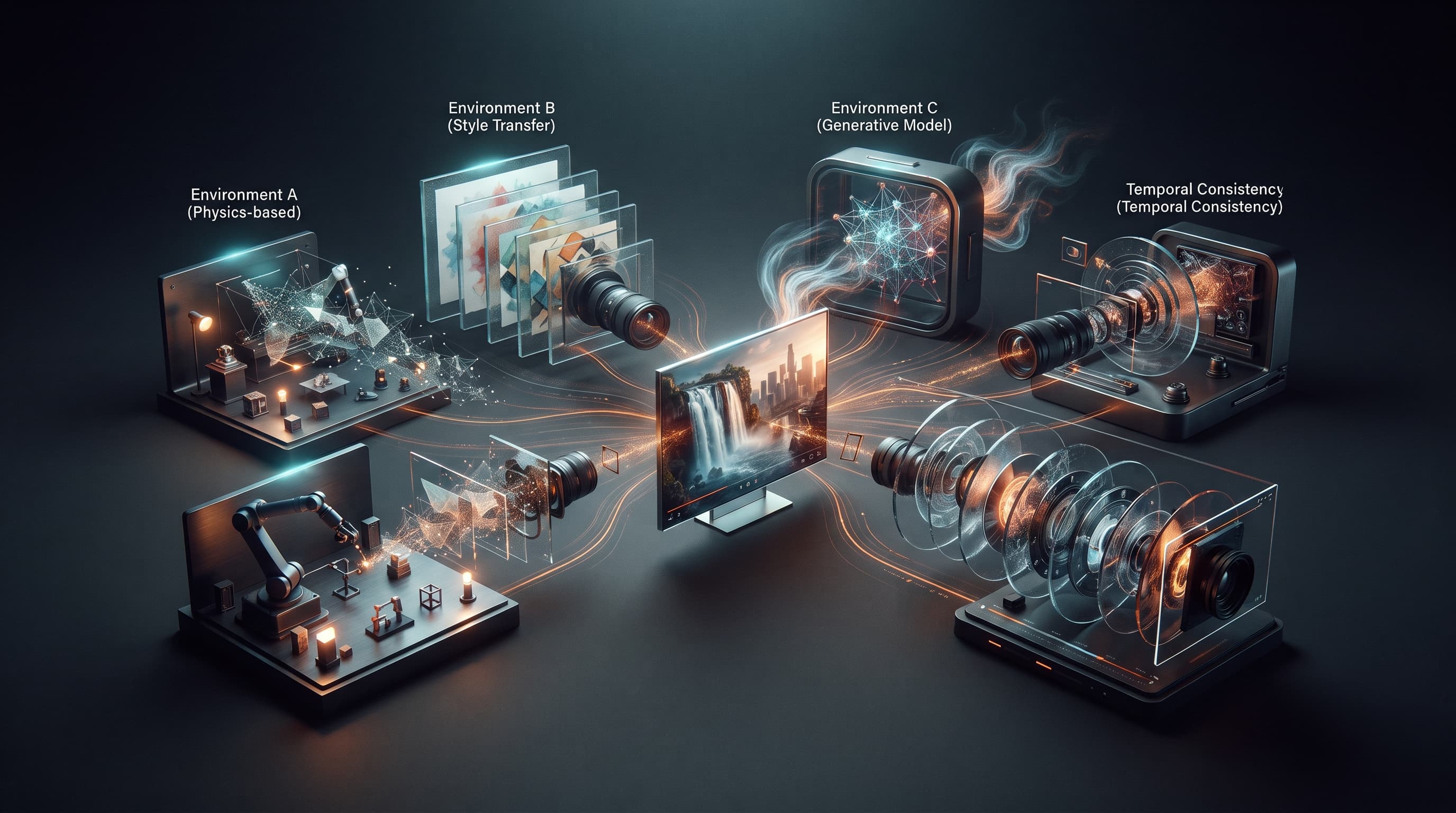
Best AI Video Tools After Sora's Shutdown: Veo, Kling, and Runway Compared
OpenAI has announced it is winding down the Sora app and API during 2026. Here's a practical guide to the strongest alternatives right now: Google Veo, Kling, and Runway, and who each one fits.