

Published September 11, 2026
NotebookLM and AI Research Assistants: How to Turn Your Documents into an Interactive Knowledge Base
Instead of reading through dozens of files to find one answer, upload them all to one tool and ask it directly. That's how AI research assistants work, and here's how to start using one today.
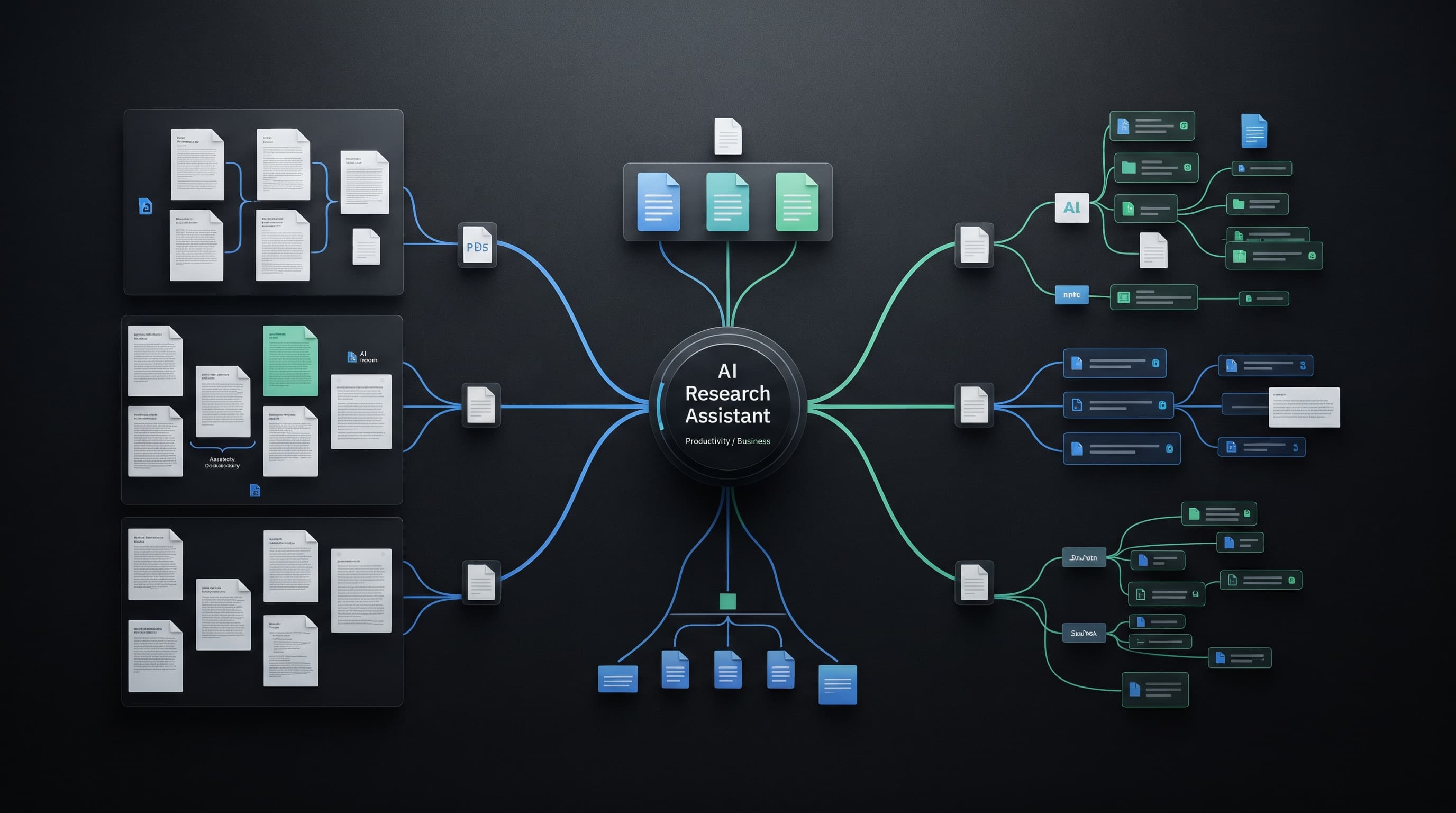
Imagine you have 40 PDF files, and you need the answer to one specific question buried somewhere among them. The old way is manually searching every file. The new way is uploading all the files to one tool and asking it directly, getting back an answer backed by a precise citation from the correct file.
What Sets a Research Assistant Apart from a Regular Chat?
The core difference is that a research assistant stays "confined" to your own sources — the files, links, or videos you uploaded — rather than drawing on its general trained knowledge. This drastically reduces hallucination, because every answer has to be backed by an actual source from your material, with a link or page number you can verify directly.
How to Get Started: Practical Steps
Upload every file related to your topic into a single workspace (academic research, work reports, lecture notes). Let the tool scan and index them, then start with broad questions to grasp the overall structure before moving to precise ones.
Based only on the uploaded documents, summarize the main ideas shared across all of them in bullet points, then note any contradictions or differences between sources if they exist.
Practical Uses Beyond Academic Research
Consolidating employment contracts and internal company policies into one source that answers employee questions. Turning your own article archive into a source you can query about topics you've already written about. Summarizing a long meeting series by uploading all the notes and asking for recurring or unimplemented decisions.
The best use of these tools isn't replacing reading — it's saving you the time spent figuring out where to start reading.
Limitations You Should Know About
Answer quality depends entirely on the quality of the uploaded documents; poorly organized documents or low-quality scans produce weak results. These tools can also still misinterpret when questions are very complex or require very precisely connecting information across multiple sources.
Conclusion
If you regularly find yourself manually digging through multiple files, try an AI research assistant this week on just one file set, and compare the time you saved for yourself.
Read also

AI for Small Business: 10 Real Tasks You Can Automate This Week
You don't need a technical team or a huge budget to put AI to work in your business. Ten real tasks any small business owner can start automating today with free or cheap tools.

How to Fact-Check AI Answers in Under 2 Minutes
You don't need to be an expert in every topic to catch a wrong AI answer. Five quick steps are usually enough to tell a trustworthy fact apart from a confidently fabricated one.

Best Free AI Tools in 2026 (That Actually Replace Paid Ones)
You don't need a paid subscription to get professional results. Here's a set of genuinely free tools that compete with — and sometimes beat — their paid alternatives.